
Small-Form-Factor (SFF) PC Build Guide: How to Design a Compact, High-Performance Desktop
Small-form-factor (SFF) PCs have moved from niche novelty to mainstream choice for gamers, creators, and professionals who want desktop power without the bulk. Building an SFF rig requires different priorities than a full tower: space, cooling, and component compatibility become the central challenges. Here’s a practical guide to designing a compact, high-performance system that stays reliable and upgradeable.
Plan the layout first
Measure twice, buy once. Start with the case you like and work backward: confirm GPU length, CPU cooler height, and PSU form factor before choosing parts. Mini-ITX motherboards are the standard for SFF builds; they provide two DIMM slots and one full-length PCIe slot, so choose components that match that constraint.
Power supply choices
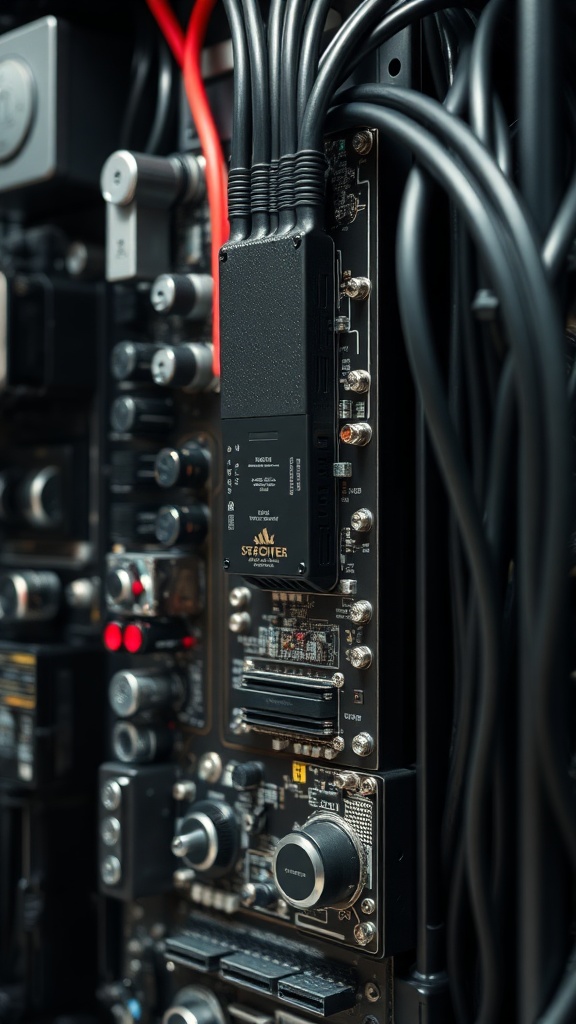
SFX and SFX-L power supplies are the most common for SFF systems. SFX-L offers a bit more headroom and quieter cooling thanks to a larger internal fan. Look for modular or fully modular units to simplify cable management. Don’t skimp on wattage or efficiency — a quality 80 Plus Gold or better unit reduces heat and increases long-term reliability.
CPU and cooling strategies
Air coolers that work in compact cases are usually low-profile designs or slim tower coolers specifically rated for small builds. All-in-one (AIO) liquid coolers can fit if your case supports a 120mm or 240mm radiator mount; they can provide excellent temps but require thought about radiator placement and clearance.
Check cooler height and bracket compatibility with your chosen case and motherboard. Fan curves and a balanced intake/exhaust strategy are crucial to avoid hot pockets inside the chassis.
GPU and clearance considerations
Modern GPUs can be long and thick.
Look for “ITX” or single-fan compact models if you need guaranteed fit. If you want a full-length GPU, verify that the case supports it and take note of maximum thickness (slots) and any need for riser cables.
Some SFF builders use vertical GPU mounting for aesthetics, but that can complicate airflow and increase temperatures.
Memory and motherboard choices
Mini-ITX boards generally limit you to two DIMM slots, so buy faster, higher-capacity sticks rather than assuming you’ll add more later. Decide between DDR4 and DDR5 based on price versus future-proofing and the platform your CPU choice requires.
Motherboards with good VRM cooling, multiple M.2 slots, and robust BIOS options will extend the system’s usable life.
Storage and thermal management
NVMe M.2 drives are ideal for compact builds because they sit directly on the motherboard.
High-performance Gen4 or Gen5 NVMe drives deliver big gains in load times and responsiveness, but they can run hot.
Use heatsinks or choose motherboards with integrated M.2 shields. Consider a combination of NVMe for OS and apps plus a SATA SSD for bulk storage if the case provides 2.5-inch bays.
Cable management and assembly tips
Use shorter cables or custom-length modular cables to limit clutter. Route power and front-panel cables behind motherboard standoffs where possible. Dry-fit everything before applying thermal paste or mounting final screws. Tie down loose cables to prevent them from touching fans or blocking airflow.
Maintenance and tuning
After the build, monitor temperatures under load and adjust fan curves in BIOS or with software. Clean dust filters and fans periodically — compact cases can accumulate heat quickly if airflow becomes restricted. Keep BIOS and firmware updated for component compatibility and stability.
A thoughtful SFF build rewards careful planning with a powerful, space-saving desktop. Focus on component clearances, efficient cooling, and a quality power supply to get the best balance of performance, noise, and longevity.
